Case study
CosyNums
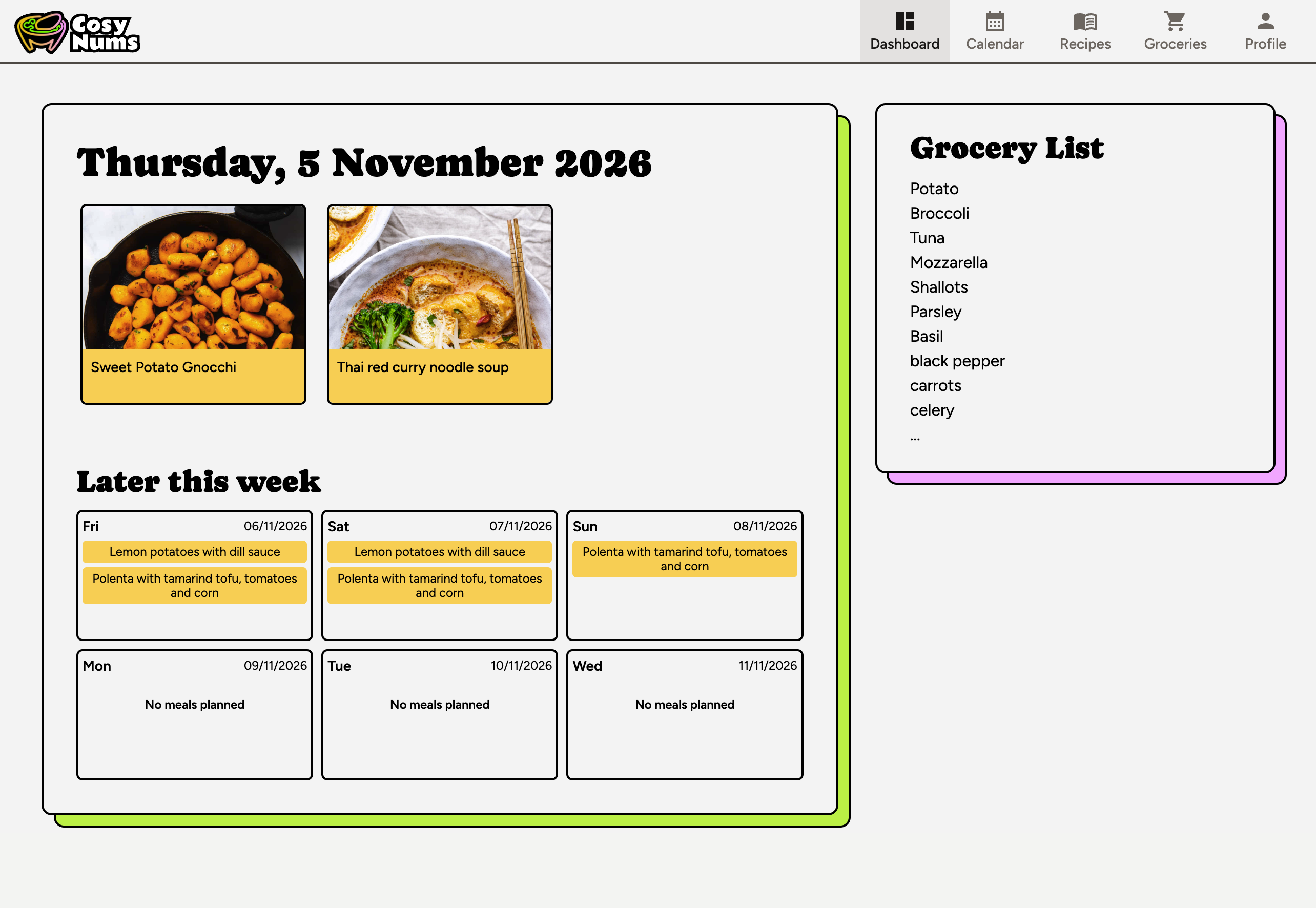
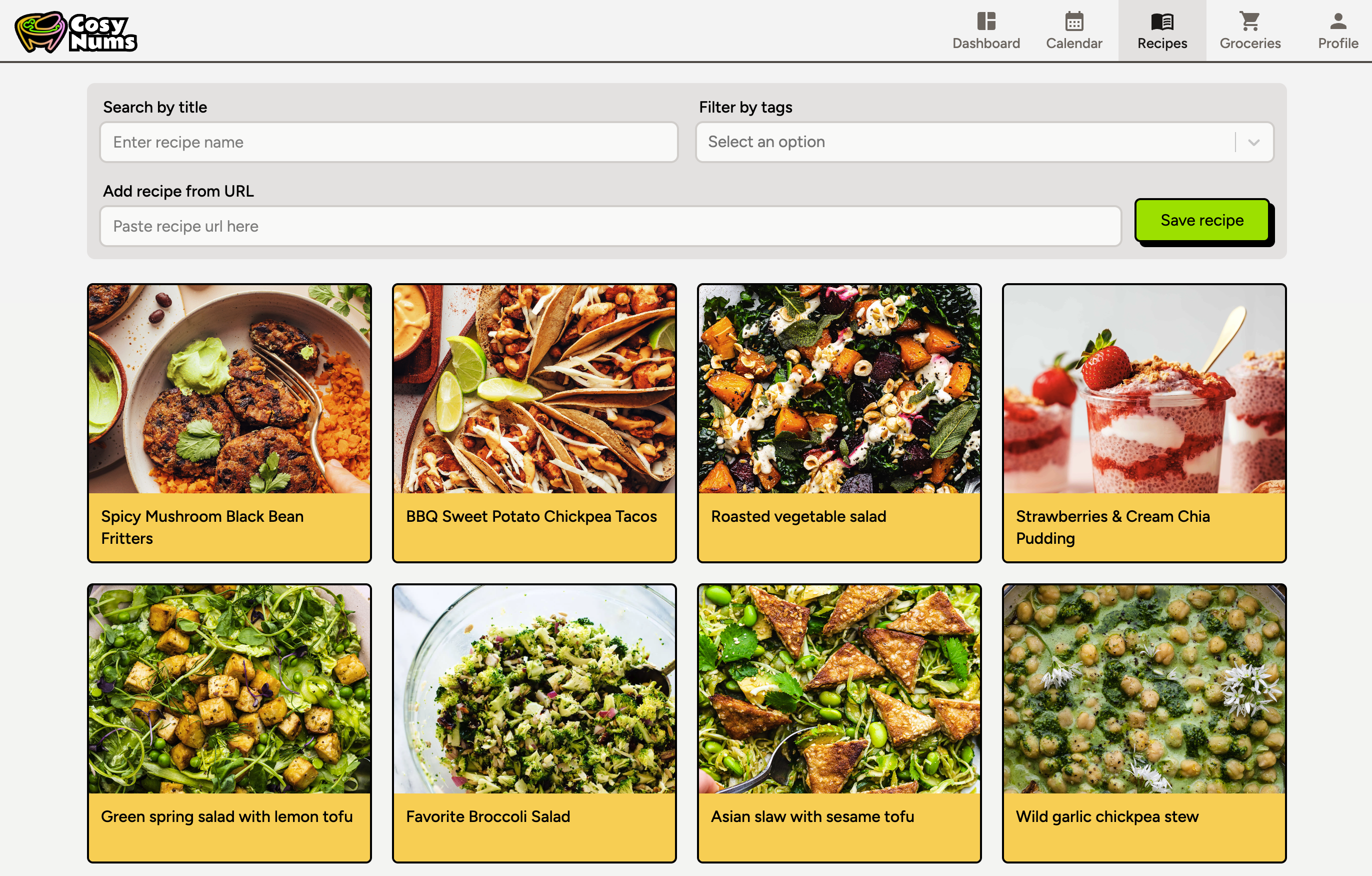
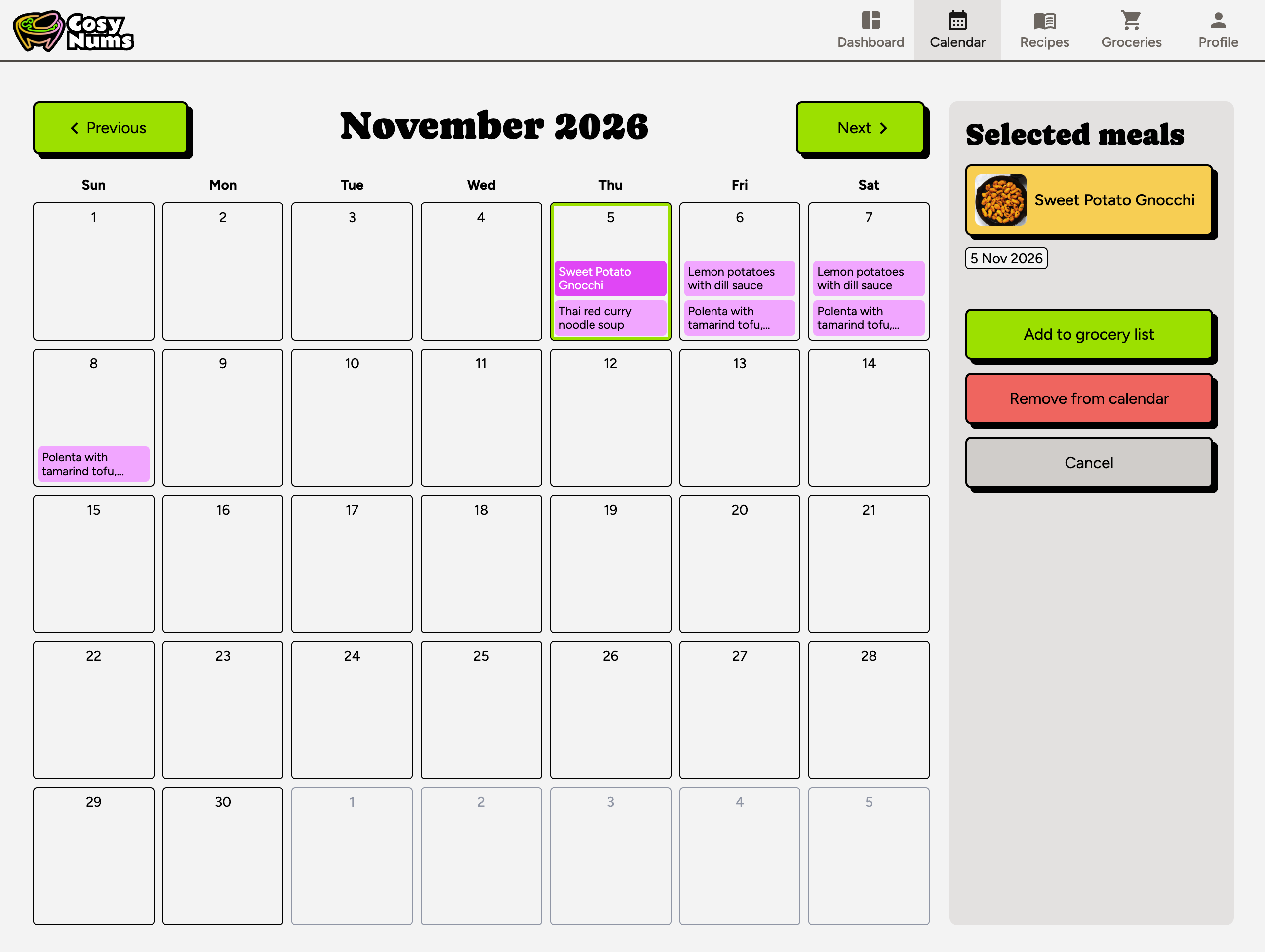
A meal planner that helps a household remember the recipes they love, schedule their meals for the week and manage their grocery list.
- Role
- Product design, branding and frontend engineering
- Team
- Me + my partner (backend and CloudOps)
- Timeline
- 2024 – present
The problem
CosyNums started with our own household. Our favourite recipes were scattered across various food blogs, so planning food for the week meant hunting them down again, then copying ingredients into a shopping list by hand.
We wanted one place to keep the recipes we like, plan the week, and turn that plan into a single grocery list.
What I did
- Designed the product end to end in Figma: user flows, components and the brand (colours and type).
- Designed the molcajete logo and drew the SVG illustrations in Inkscape.
- Architected and built the React frontend, and added GraphQL endpoints in the Node.js backend.
- Wrote the product spec as user stories with acceptance criteria, and broke it into an implementation plan of small, reviewable PRs.
How the design evolved
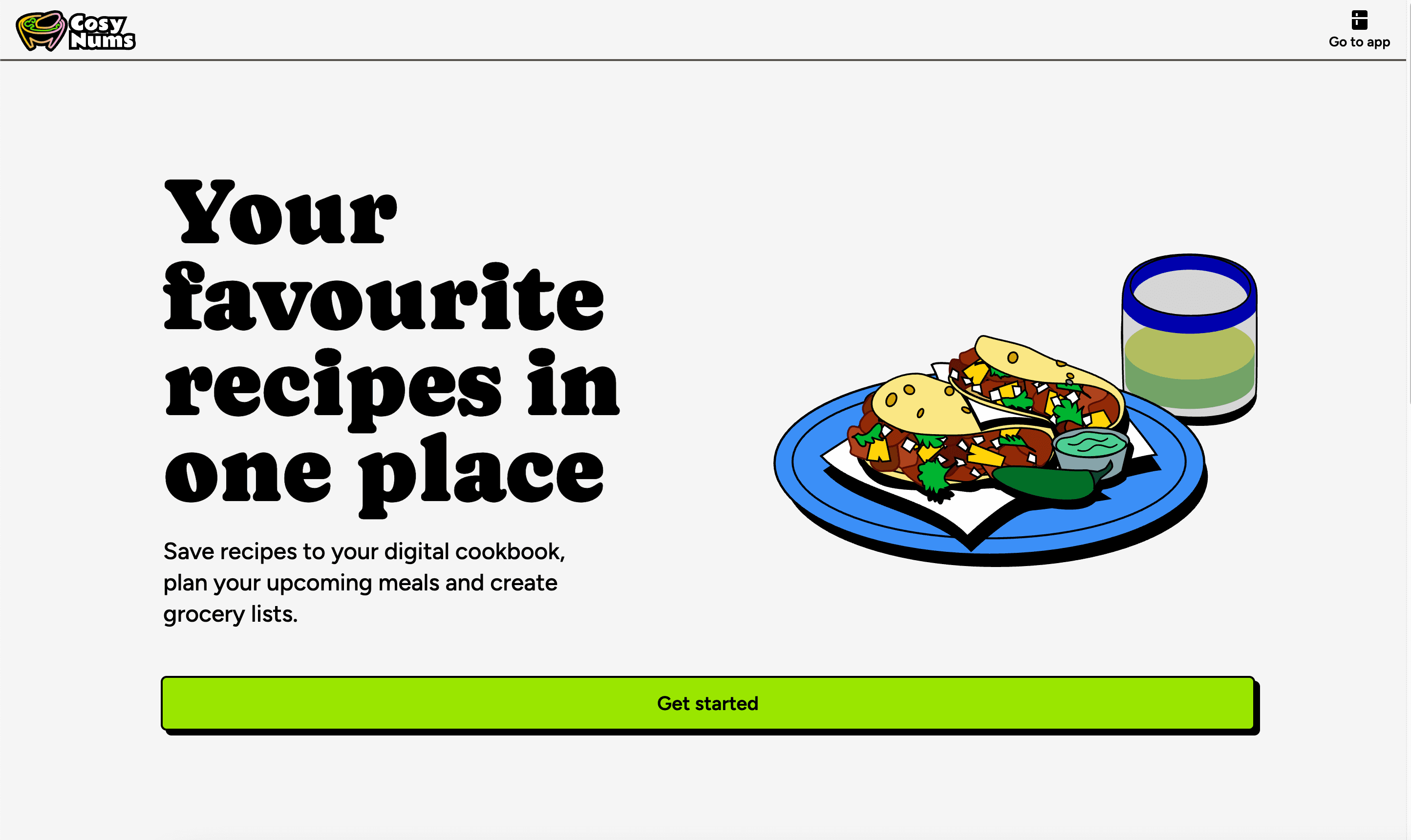
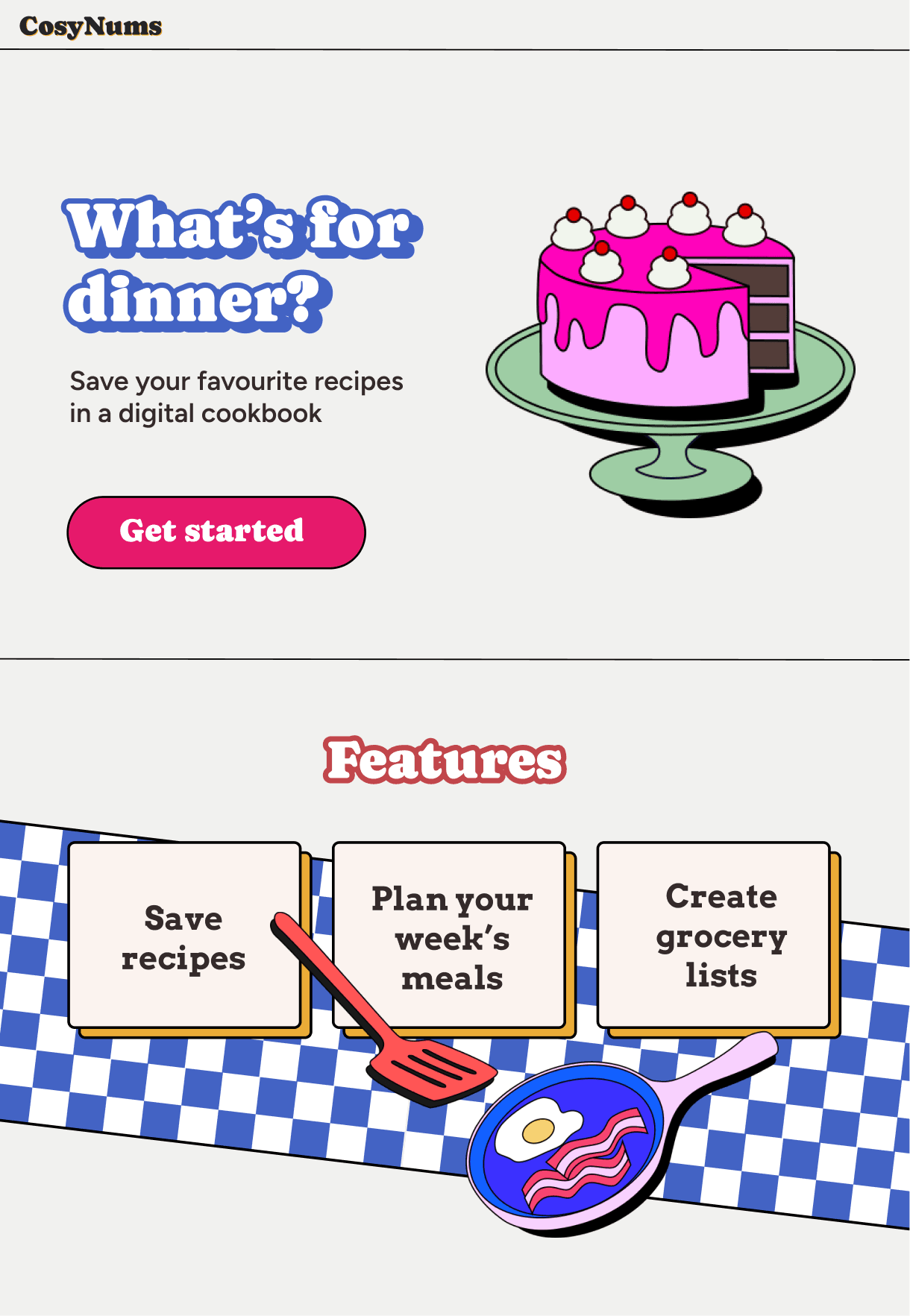
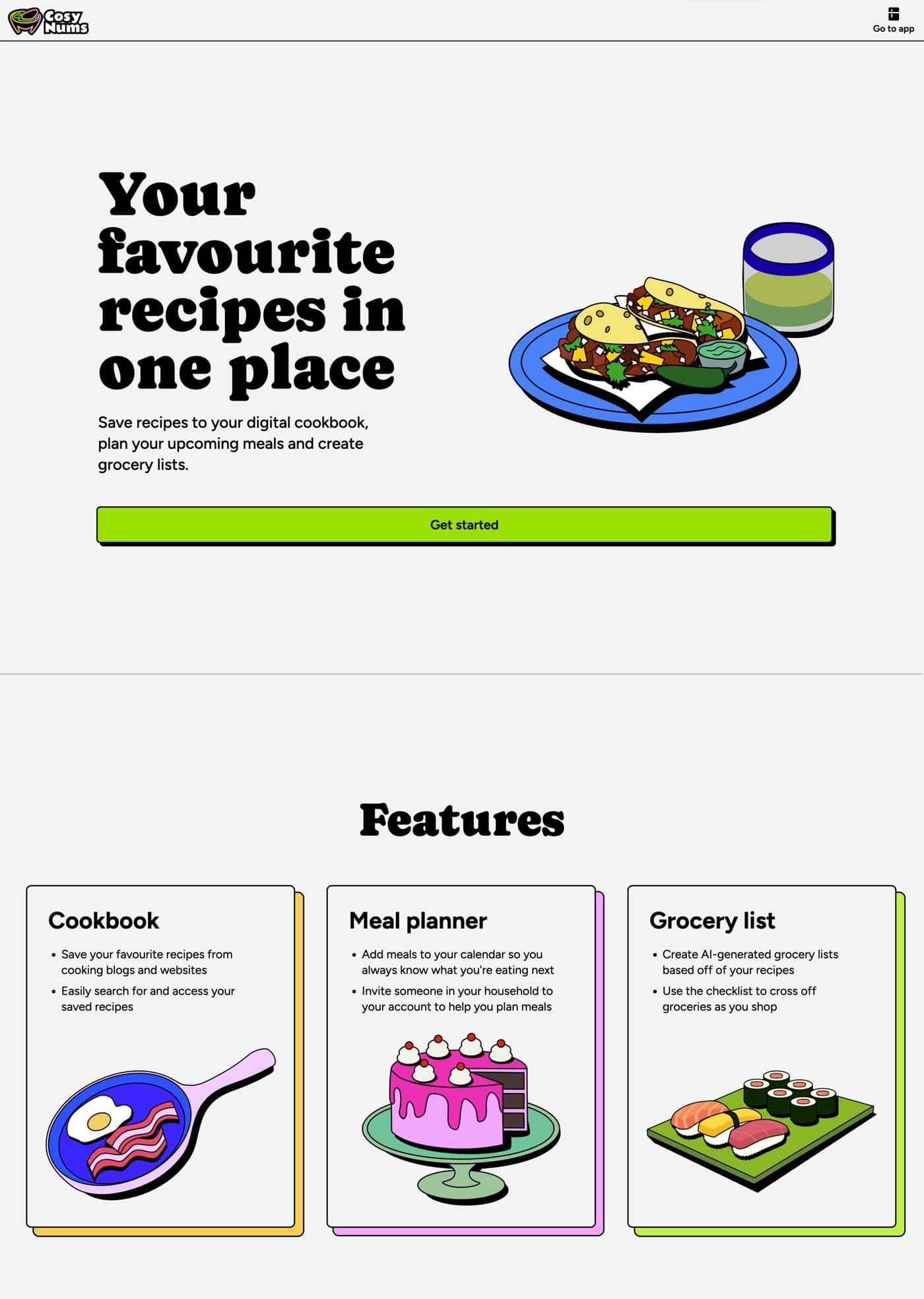
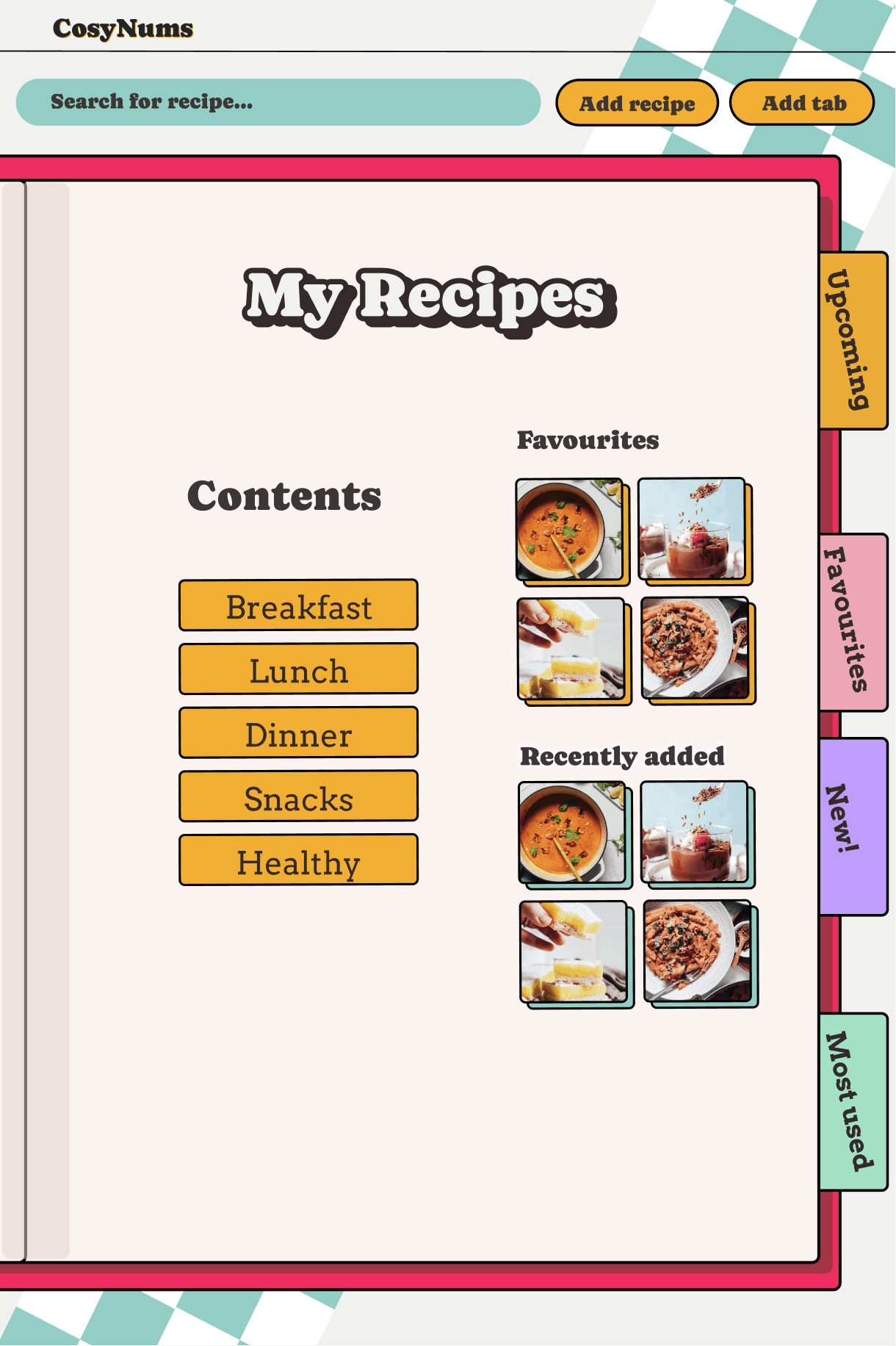
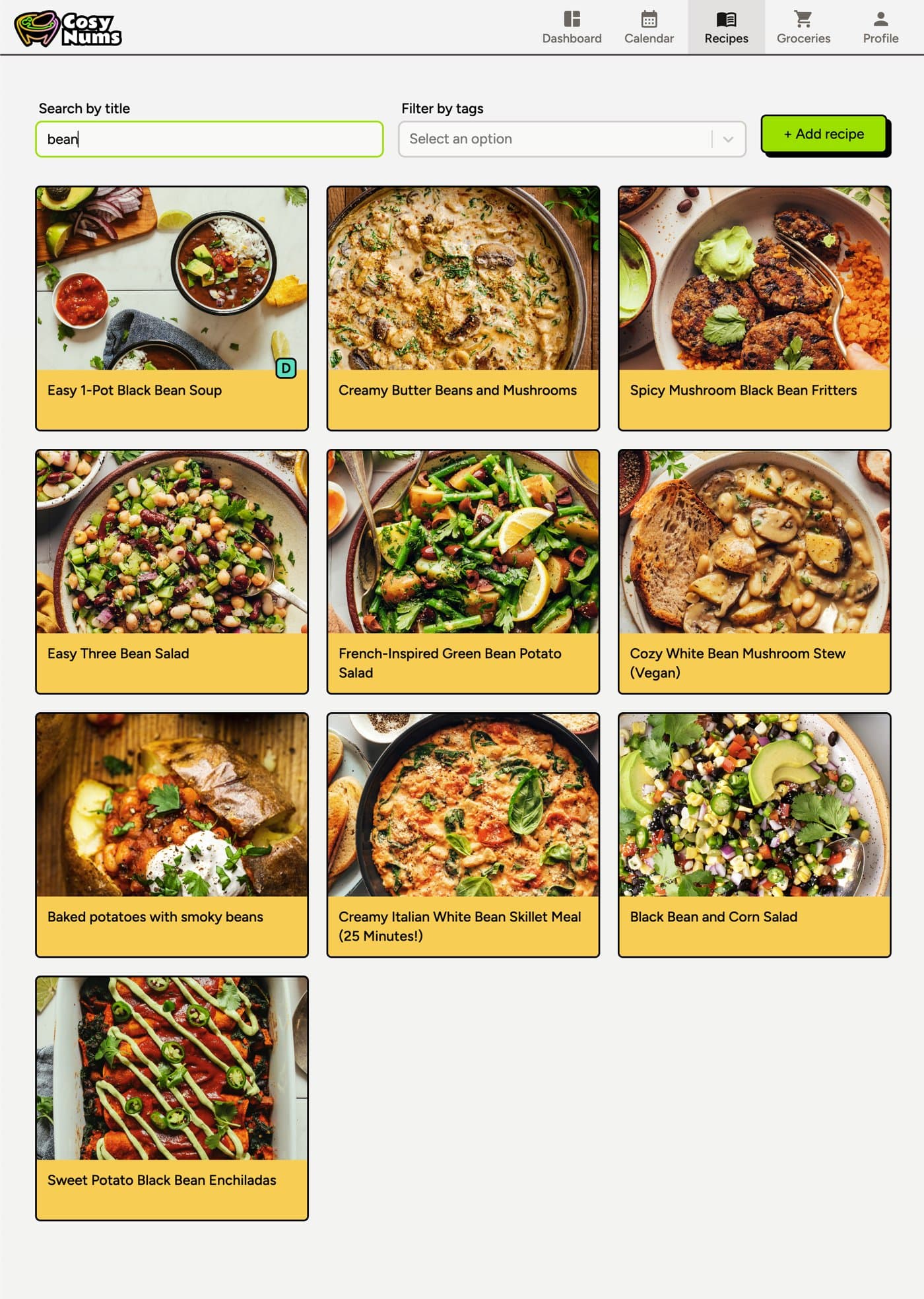
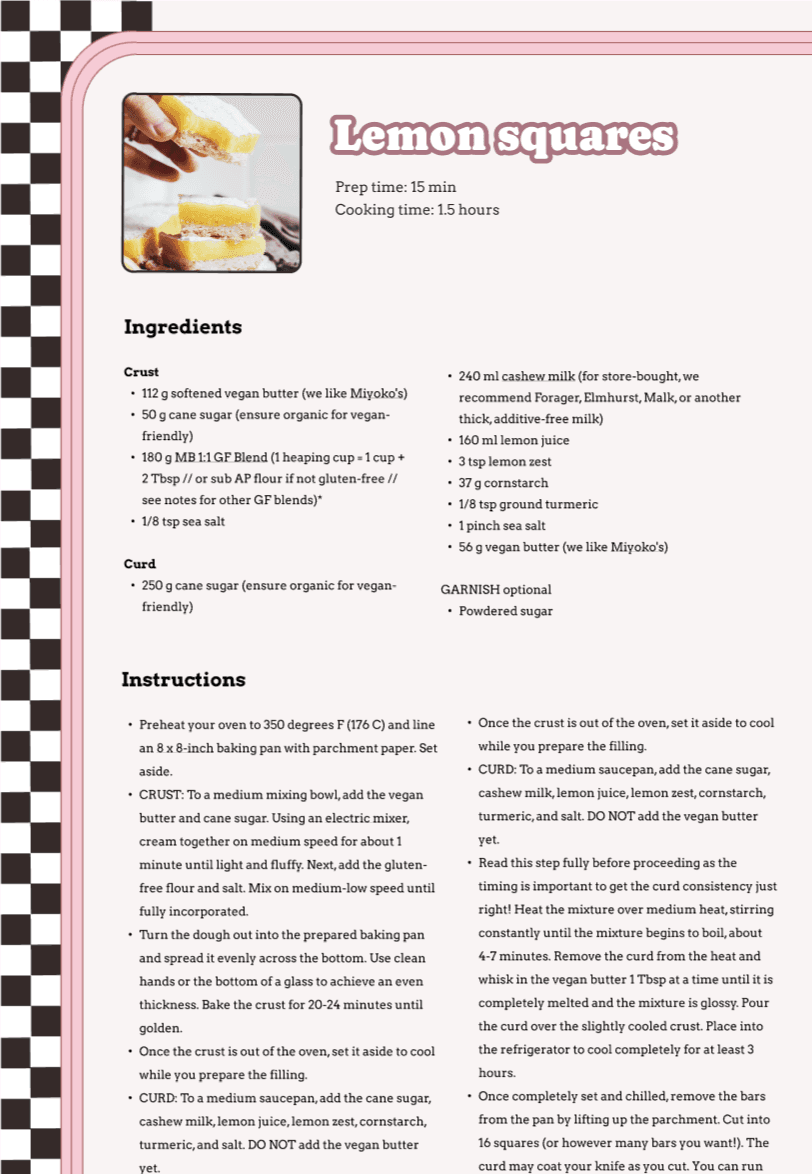
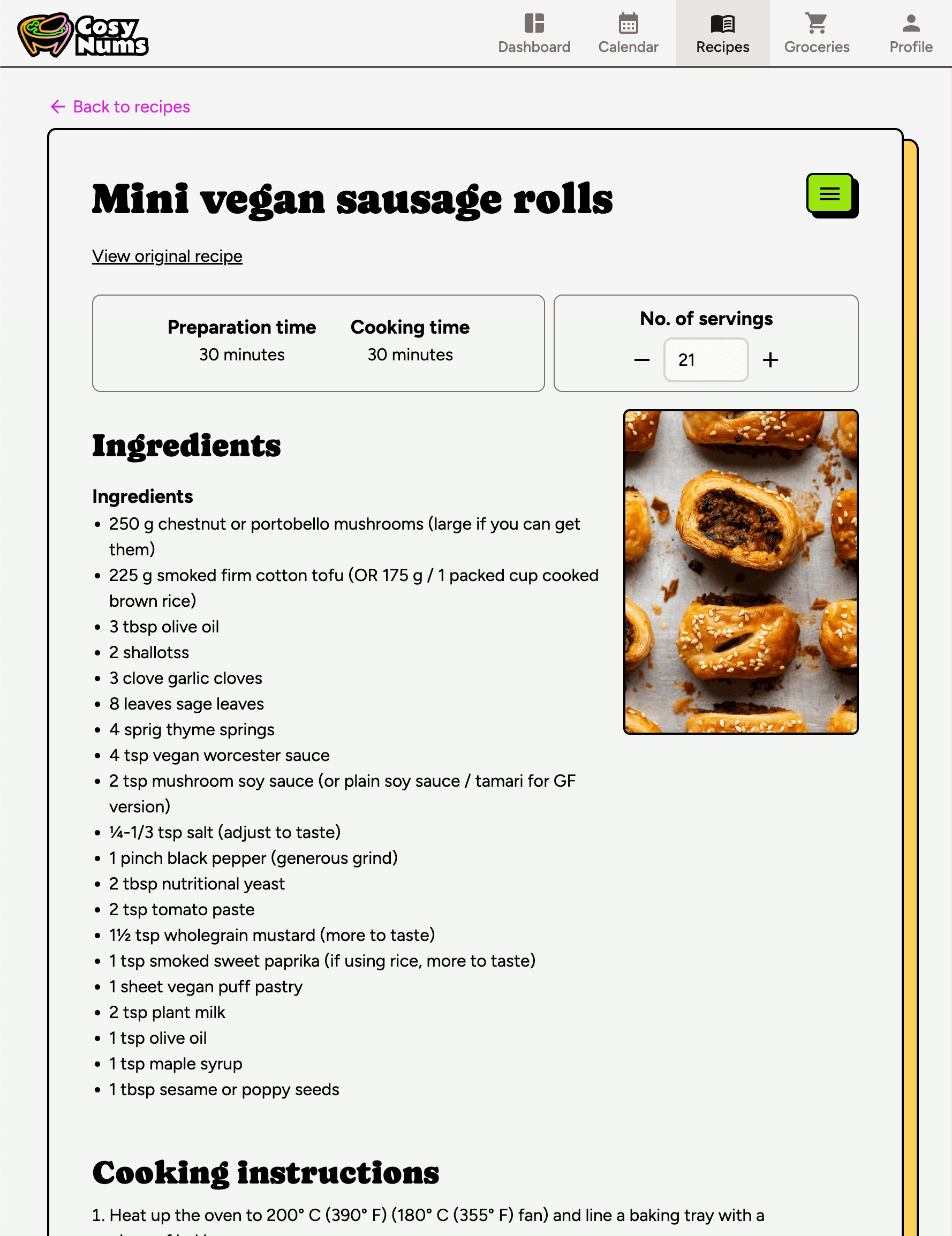
The look has always been neobrutalist with a nod to diners: chunky outlines, bold type and (in the early mockups) checkered patterns. We changed the details a few times. The early mockups were a lot more stylised and maximalist. The shipped app is simpler, so the recipes stand out more.
Before
After
Before
After
Before
After
Key decisions
1.Rethinking how ingredients are imported
Recipe import uses an LLM to pull structured data out of web pages. At first, it also split every ingredient line into separate fields: a name, a note, and a link for each. It rarely split them correctly, so ingredients came out garbled and the grocery list combined the wrong things.
The split only existed to keep names clean enough to combine, so we stopped splitting. Each ingredient now keeps its whole line as written, minus the amount and unit, with any links intact. A separate grocery name, suggested by the model, decides how it combines. You check those names in a Pending Review step before the recipe joins your cookbook.
The combining itself is plain code rather than another model call, so the same recipes always give the same list. Lines with the same grocery name are grouped, their amounts are converted to base metric units (g, ml or count) and added up, then converted back for display.
→1 kg potatoes250 g potatoes, diced1000 g + 250 g→grocery name: potatoes1.25 kg potatoes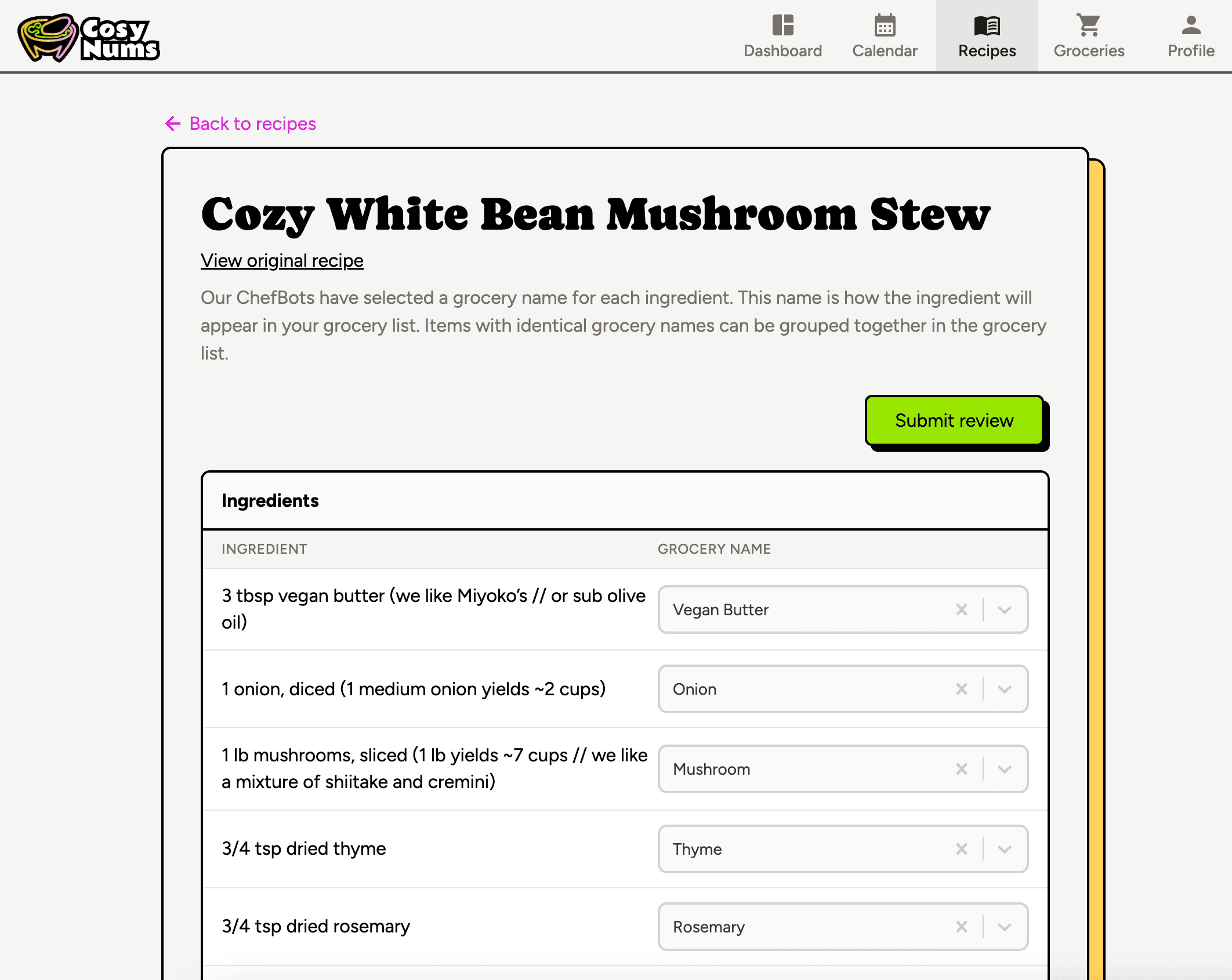
Lines that share a grocery name combine into one (top). In Pending Review, each ingredient keeps its original wording, with a suggested grocery name you can change (bottom). Tradeoff: Reviewing grocery names adds a step when you import a recipe. In return, recipes read exactly like the source, and the grocery list is predictable: it only combines what you’ve agreed should combine.
2.Scaling servings without changing the recipe
The first version of servings scaling rewrote the stored ingredient amounts. Every change rounded the already-rounded values again, so recipes slowly drifted away from the original.
I moved scaling and metric/imperial conversion into a small, tested quantity module on the frontend. Stored amounts only change when you edit the recipe; everything else is calculated from the stored value each time it renders, including quantities and temperatures inside the method text.
stored amount→scale to servings→convert units→displayEvery amount you see is worked out from the stored value, so changing servings back and forth never changes the recipe. Tradeoff: The frontend and backend each have their own copy of the quantity code instead of sharing one library. That means a little duplicate code, but I can change and test one side without risking the other.
Outcome
CosyNums is live and free to use. Recent releases shipped display-only servings, a household metric/imperial toggle, a new ingredient import with a review step, and scaling of quantities inside instructions.
Writing the spec as user stories with testable acceptance criteria made it much easier to work with my collaborator and with AI coding tools: each PR had a clear definition of done.
What's next
- Rewrite grocery combining around per-recipe sources, so every line can show which recipes it came from.
- Let households save their own grocery names and substitutions.
More screens